
Your Shows Dashboard
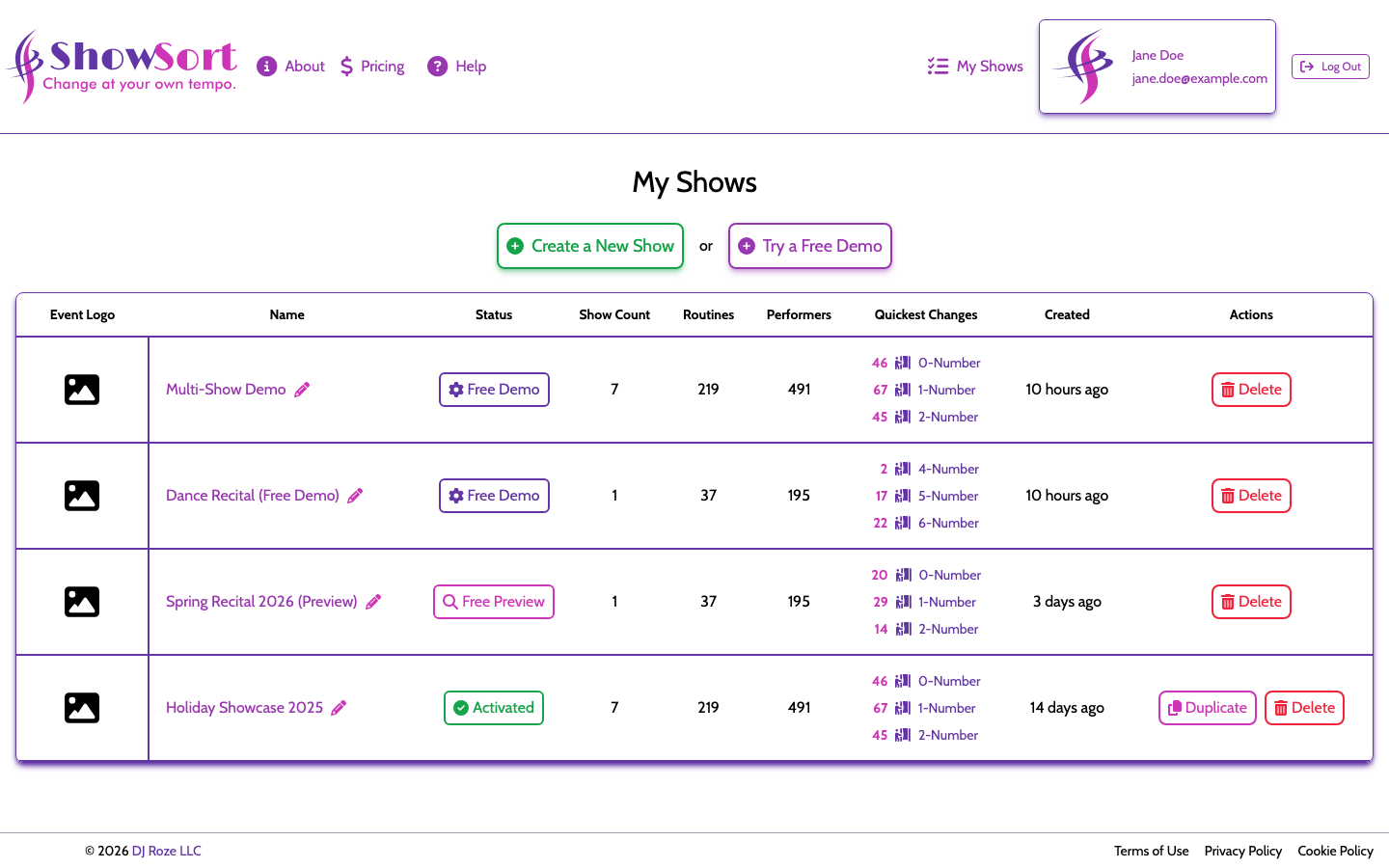
After logging in, your dashboard lists all of your shows. From here you can:
- Open any show to continue working on it
- See the status of each show (in progress, ready to optimize, configured)
- Duplicate a show (useful for creating a new season based on last year's)
- Delete a show you no longer need
Profile & Preferences
Visit My Account to manage:
- Your display name and email
- Email notification preferences
- Tooltip visibility (show or hide the in-app hover hints)
Logging In
ShowSort uses Auth0 for secure login. You can sign in with your email address or via a social login provider.
Billing & Receipts
Show purchases appear on your card statement as DJ Roze LLC — that's the company that runs ShowSort. For pricing details see Pricing & Purchases, and if a charge looks unfamiliar see Who Are We? before opening a dispute.
Contact & Support
If you run into anything that these articles don't cover, use the contact form at the bottom of this page or email support@showsort.com. We're a small team and we read every message.